AI Classroom Coach
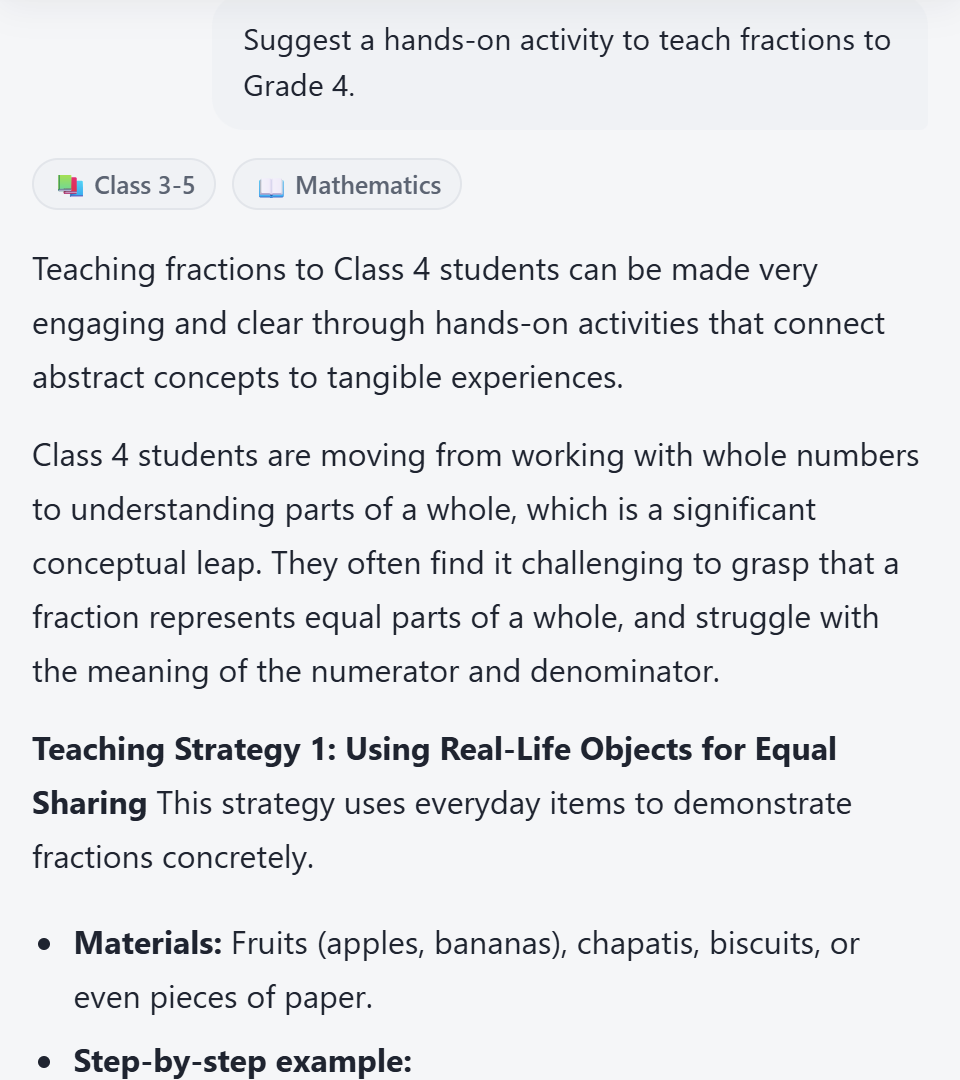
Ask about a tricky concept, a behaviour issue or an activity idea and get grade- and subject-specific guidance instantly, powered by Google Gemini.
SarasTech for Android is coming soon.Android app coming soon
Learn moreAsk a question and get a classroom-ready lesson plan, worksheet or quiz, in English or your regional language.
SarasTech pairs an AI classroom coach with a generator for lesson plans, worksheets and quizzes, in English or your regional language, so you get something usable in minutes.
A 30-second tour of the real product: lesson plans and worksheets saved in your Library, then your class lists and daily attendance.
Ask about a tricky concept, a behaviour issue or an activity idea and get grade- and subject-specific guidance instantly, powered by Google Gemini.
Get coaching in English, Hindi, Bengali, Telugu, Marathi, Tamil, Gujarati, Kannada, Odia, or Hinglish, whichever your classroom speaks.
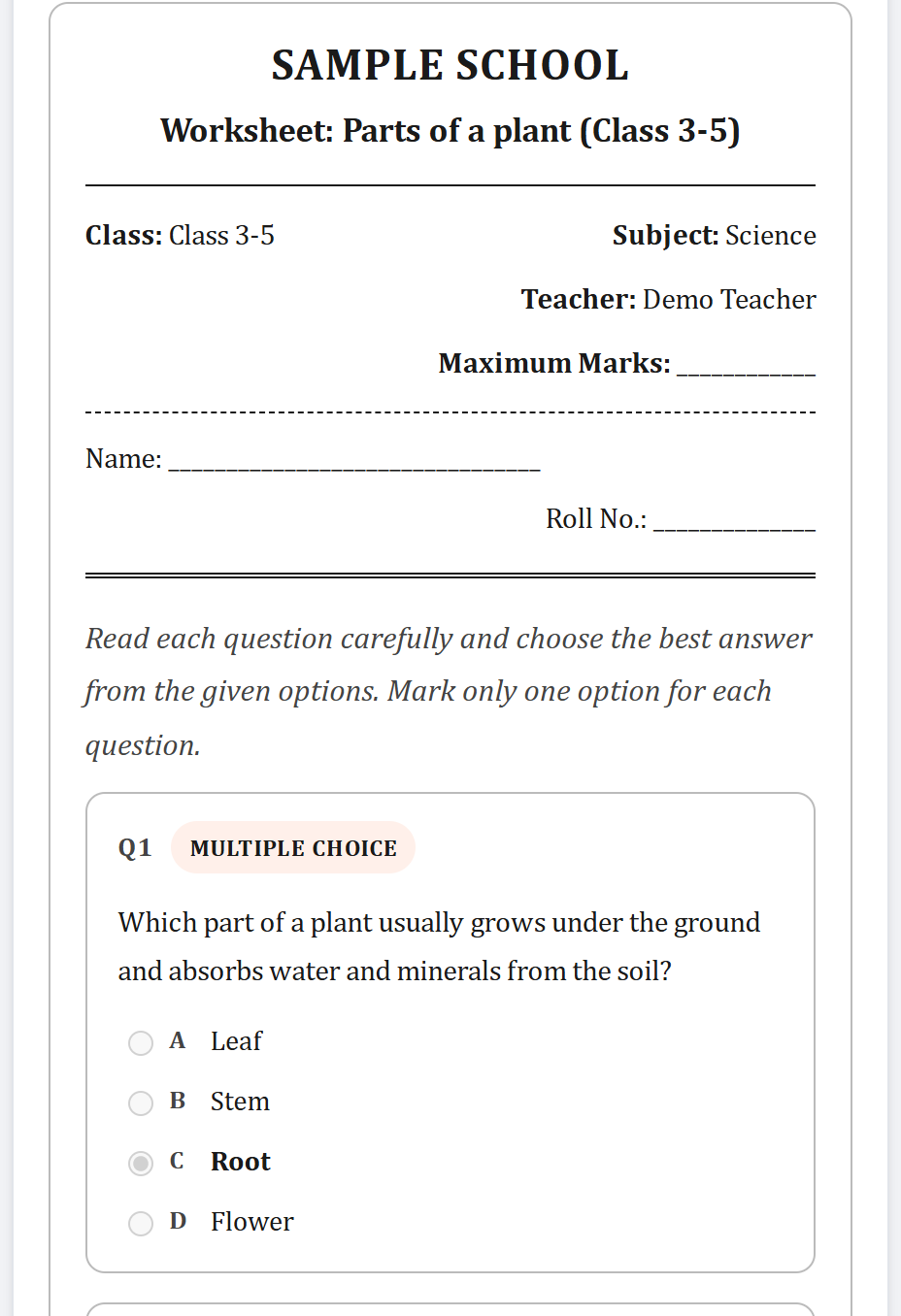
Generate structured quizzes and worksheets by grade, subject, topic, and difficulty, complete with an answer key, ready to print.
Save any AI answer, lesson plan, or worksheet to your personal library, edit it anytime, and export a classroom-ready PDF.
Also included: classroom and attendance management tools, so your class lists, students, and daily attendance live alongside your teaching materials.
On the Coach screen, type a classroom question or pick a ready-made task like a lesson plan, activity, or assessment.
Receive grade- and subject-specific guidance or a ready-to-use teaching resource, in your language.
Save it to your Library, refine it in the built-in Workspace editor, then print or export it as a PDF for your classroom.
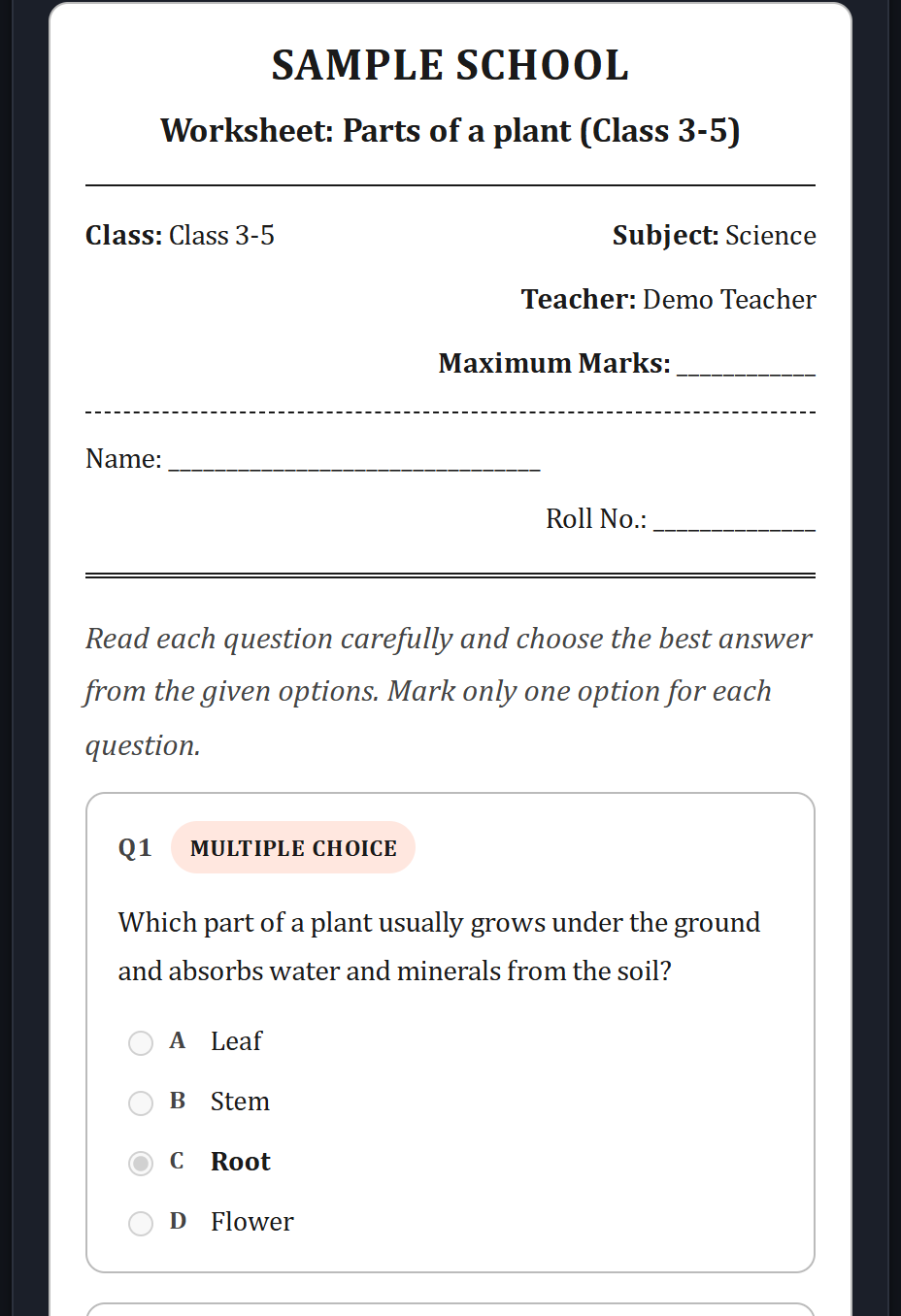
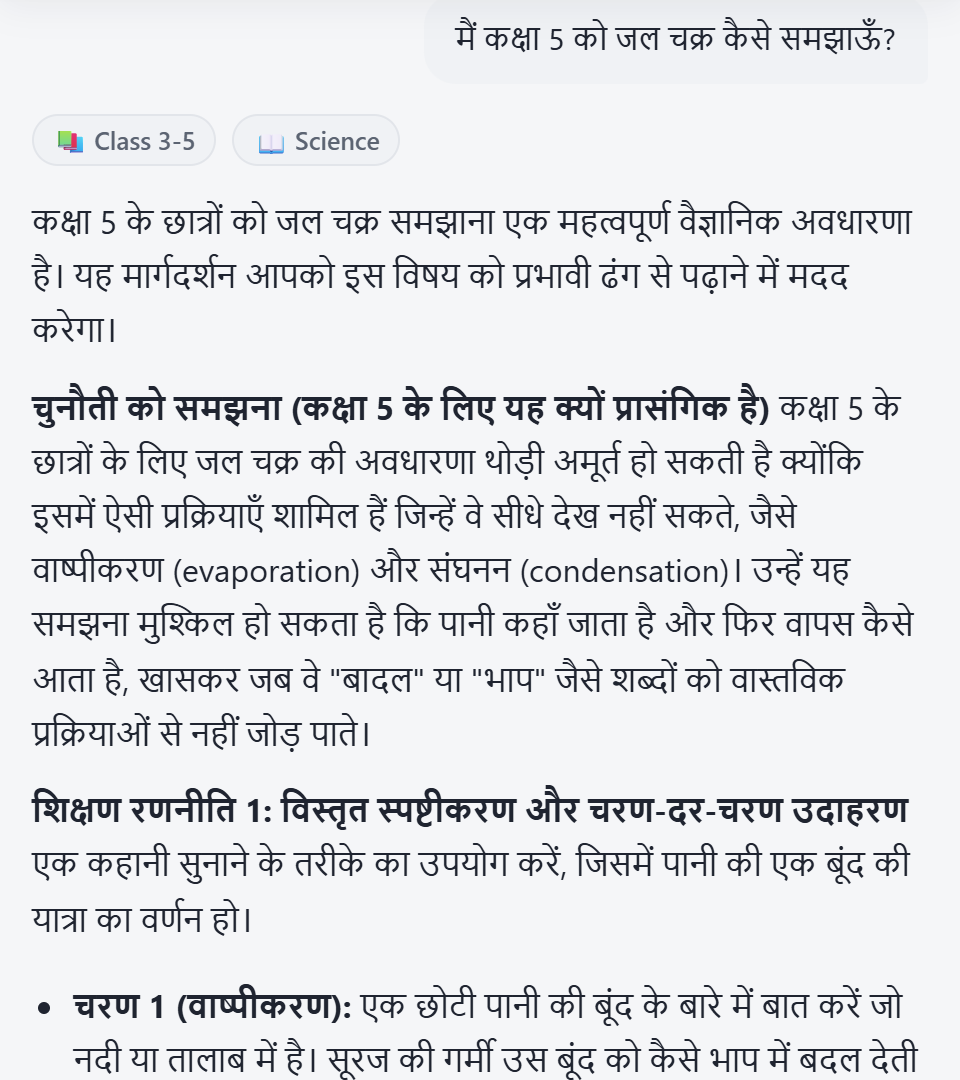
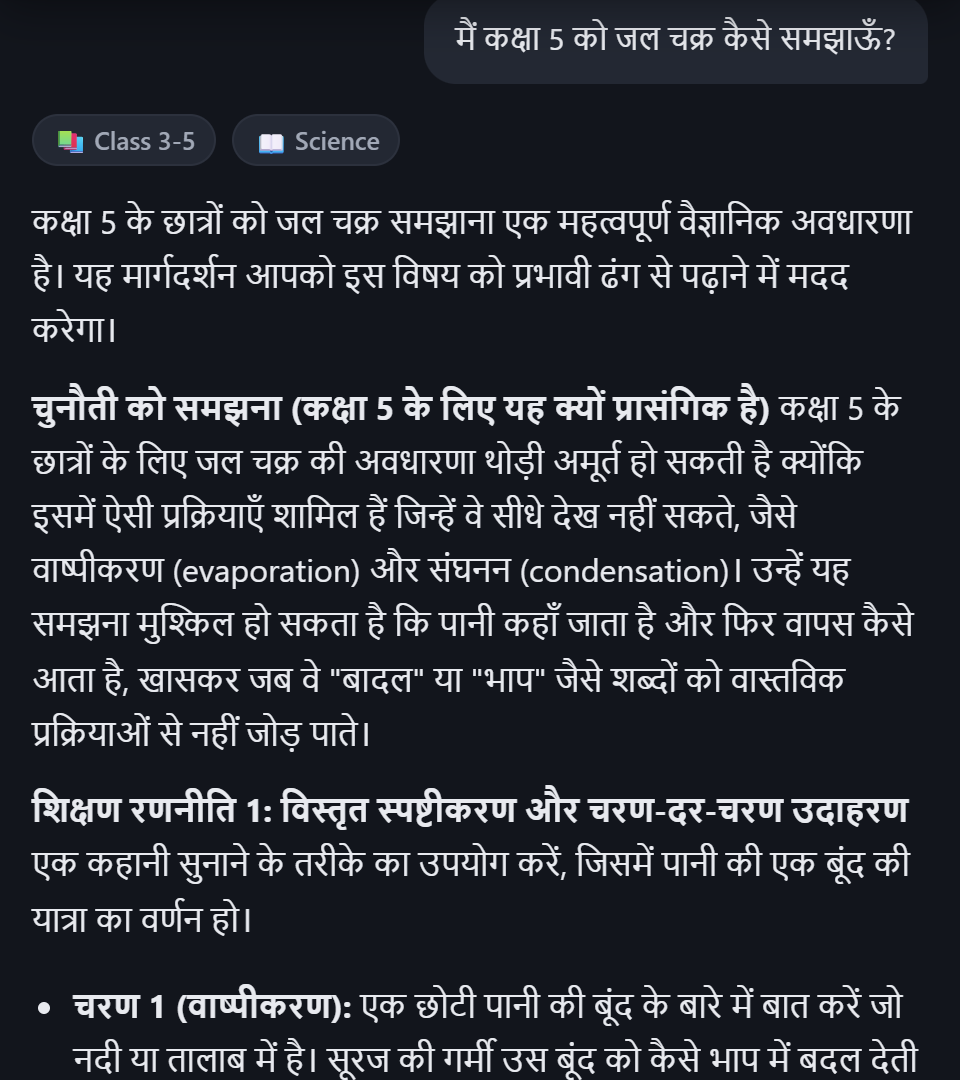
Practical AI support for everyday teaching, from lesson planning and classroom activities to assessments and teaching resources, with support for multiple Indian languages.
Guidance for the realities of Indian schools: foundational literacy and numeracy (FLN), teaching aids made from everyday local materials, and printable resources you can edit to match your school’s format.
Built for how classrooms actually run here: single-teacher, multi-grade, and mixed-ability setups, not just one-grade-one-teacher classrooms.
Coaching and generated resources work in English plus 9 Indian languages and Hinglish, so language isn’t a barrier to getting help.
Rolling out AI-assisted lesson planning, worksheets, and classroom tools across your school or organization? Talk to the SarasTech team and see the real product on a call.
We’re building the SarasTech Android app so you can use your AI teaching assistant on your phone. Web is available today.
SarasTech, also known as SarasTech AI (and sometimes written Saras Tech), is an AI teaching assistant for teachers in India. It combines an AI classroom coach with a worksheet, quiz, and question-paper generator, plus a personal library and editor for the resources you keep.
Ask any classroom question and get instant, grade- and subject-specific coaching, generate lesson plans, worksheets, and quizzes with an answer key, and save everything to your own teaching library.
English, Hindi, Bengali, Telugu, Marathi, Tamil, Gujarati, Kannada, Odia, and Hinglish. Pick whichever your classroom speaks.
Yes. You can set your classroom type, including multi-grade, mixed-ability or large class, so coaching and generated resources match how you actually teach.
Yes. Every saved lesson plan, worksheet, or quiz opens in a built-in editor, so you can refine it before printing or exporting it as a PDF.
An Android app is coming soon. You can use SarasTech in your browser today.
Yes. Your resources and history are tied to your own account, so only you can see and edit them.
SarasTech creates content from the grade, subject, and topic you give it. It is not tied to any board’s official syllabus or a specific textbook, so check what it generates against your own curriculum before using it.
Yes. AI-generated lesson ideas, questions, and answer keys can contain errors, so treat every result as a draft. Review it, edit it in the built-in editor, and check answer keys yourself before it reaches students.
Create a teacher account, ask your first classroom question, and get a lesson plan, worksheet or quiz in your language.